Sort it. Filter it. Make sense of it.
Open your history in Excel or import it into Google Sheets. Choose the columns you need before downloading.
See the CSV guide →
A free browser history exporter
Your Chrome history, ready for a spreadsheet, a script, or a page of clickable links. Choose your dates and columns. Keep the visits you need.
Get HistoryOut freeFree, always. No account. Your history stays local.
See the export in action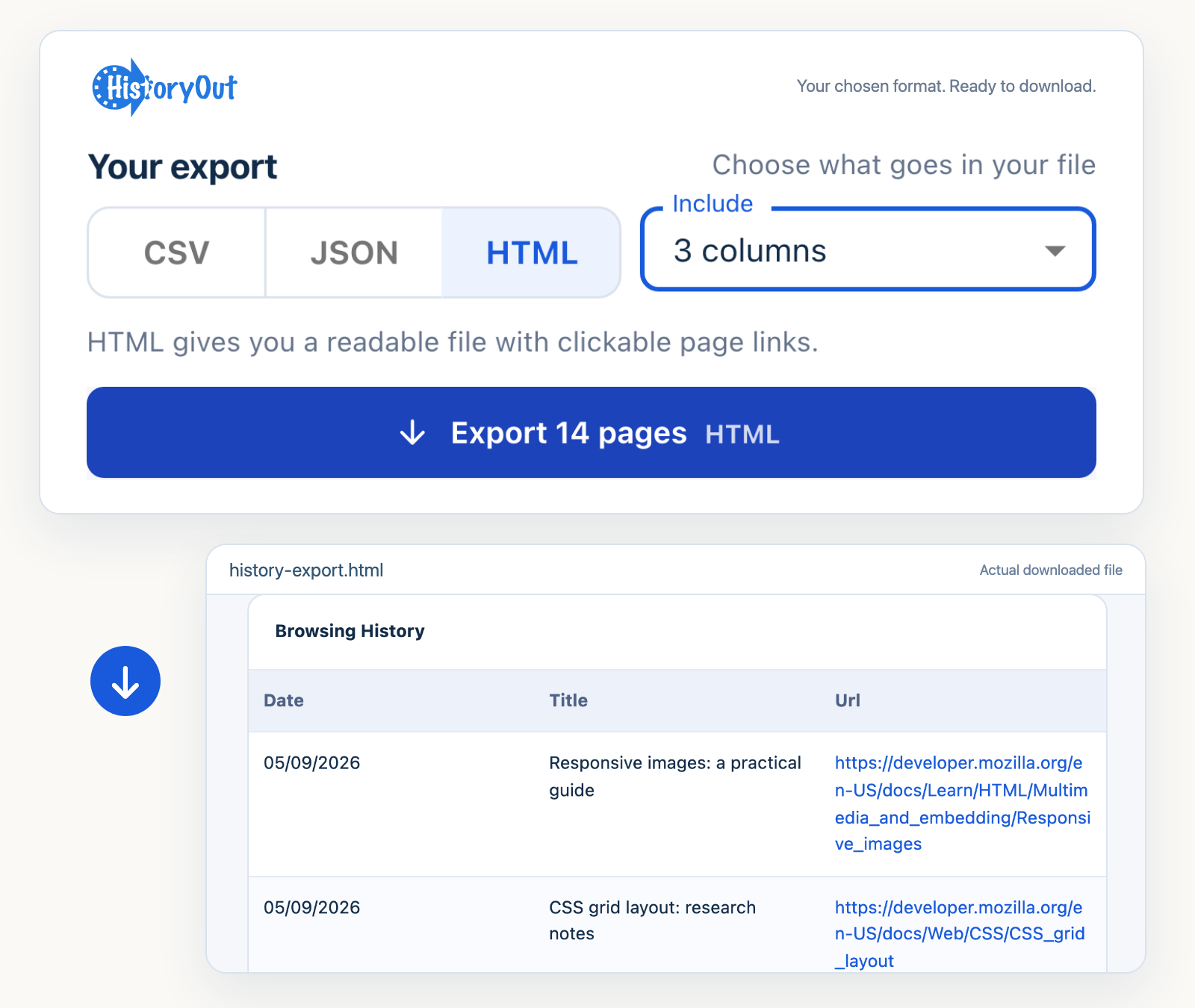
Actual export interface. Fictional browsing data.
Designed for Chrome, Edge, Brave and compatible Chromium browsers →
One history. Three useful ways to keep it.
Export the history your browser makes available, in a format you can use.
Open your history in Excel or import it into Google Sheets. Choose the columns you need before downloading.
See the CSV guide →Get structured records for a script or another data workflow. Keep titles, URLs, timestamps and your chosen fields.
Download a sample JSON →Keep a readable file of useful links. Open the list later in your browser, without a spreadsheet or an account.
Open a sample HTML export →Your export. Your way.
See CSV, JSON and HTML export in action, then make the file yours with dates, columns and filters. The demo uses fictional browsing data.
Useful pages. Just the right detail.
A project’s sources. Last week’s research. The pages you want to keep before changing computers. Turn the right part of your history into a useful record.
HistoryOut exports available visits. It cannot recover deleted history or extend your browser’s retention window.
Use a recent period or your own dates. Keep only the fields your file needs.
Search titles and URLs, filter by website, and preview the matching rows before exporting.
Keep one row per URL. Optionally remove URL query strings and fragments.
Titles and URL paths may still contain private information. Review your file before sharing.
Also useful between exports.
When you only need to find a page, your history can help with that too.
See visits, pages and top websites for Today or Yesterday. Reopen a useful page straight from the trail.
Save a search, website and date preset locally. Load the view next time to find the right pages again.
Useful doesn’t have to mean intrusive.
HistoryOut reads history only when you ask. It builds your export on your device and saves preferences locally. No account, analytics, cloud uploads, or AI service in the extension.
Exactly what the permissions do →Choose the right tool.
Yes. Every feature is free, with no account, subscription, or paid tier.
Only if Chrome still exposes those visits. HistoryOut does not keep a separate long-term archive, recover deleted visits, or read Google My Activity. Google account activity settings do not extend the history available to this extension.
No. It uses the same history, storage, and sidePanel permissions as version 1. HistoryOut does not change or delete your browsing history.
No. The browser history API exposes visits, not reliable time-on-page. Visit counts can help reconstruct activity, but are not a timesheet.
No. HistoryOut exports files. It does not restore visits into Chrome or another browser.
Built with your feedback
A missing export option or a small improvement to your workflow. Share an idea, or vote on a request you would use.
Our public Featurebase board. No browsing history is sent with the link.
CSV. JSON. HTML. Yours to keep.